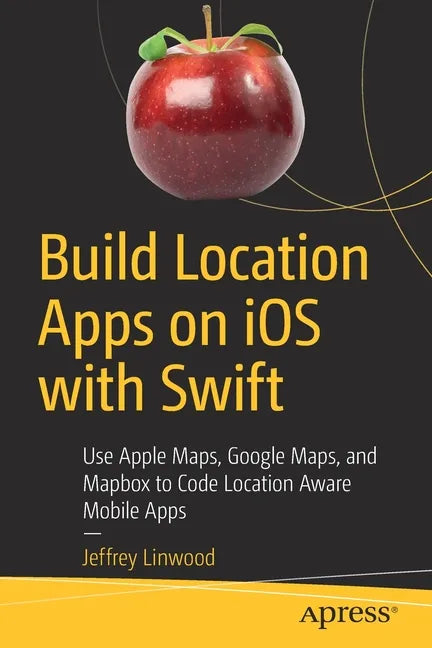
Build Location Apps on IOS with Swift: Use Apple Maps, Google Maps, and Mapbox to Code Location Aware Mobile Apps - Paperback
Build Location Apps on IOS with Swift: Use Apple Maps, Google Maps, and Mapbox to Code Location Aware Mobile Apps - Paperback
Couldn't load pickup availability
by Jeffrey Linwood (Author)
Work with Apple Maps, Google Maps, and Mapbox in iOS with Swift programming. Guided by practical examples, this book covers all three map frameworks to ensure you properly select which one best suits your iOS app's needs in working with iOS location.
You'll see how Apple's privacy settings apply to a user's location, and how to access that user's location from an application. Once you have access to the user's location, allow your app to display points of interest from Apple's database on the map inside the app, as well as to provide a search through that database by name.
You can also incorporate turn by turn directions inside your own app to provide routes. Or trigger different functionality or notifications based on locational queues. With Build Location Apps on iOS with Swift, you'll even find out how to provide offline map support for hiking, camping, or other outdoors applications where cell phone service is weak.
- Display points of interest within your own app
- Work with Apple's privacy settings so pertinent information comes through
- Trigger functionality based on geographic prompts
- Create your own custom map styles with Mapbox Studio and display them in the app
Who This Book Is For
Intermediate to advanced Swift programmers who would like to add location based services to their apps.
Back Jacket
Work with Apple Maps, Google Maps, and Mapbox in iOS with Swift programming. Guided by practical examples, this book covers all three map frameworks to ensure you properly select which one best suits your iOS app's needs in working with iOS location.
You'll see how Apple's privacy settings apply to a user's location, and how to access that user's location from an application. Once you have access to the user's location, allow your app to display points of interest from Apple's database on the map inside the app, as well as to provide a search through that database by name.
You can also incorporate turn by turn directions inside your own app to provide routes. Or trigger different functionality or notifications based on locational queues. With Build Location Apps on iOS with Swift, you'll even find out how to provide offline map support for hiking, camping, or other outdoors applications where cell phone service is weak.
- Display points of interest within your own app
- Work with Apple's privacy settings so pertinent information comes through
- Trigger functionality based on geographic prompts
- Create your own custom map styles with Mapbox Studio and display them in the app
Author Biography
Jeff Linwood is an experienced author who has worked on many iOS and Android apps that use maps or location functionality. He's also taught and mentored college student application teams as they develop their first apps. In teaching, he noticed a lack of good sample applications and tutorials for map and location applications. He'd like to create the definitive book for developers creating these types of apps.